 Gurexano Mangrove Lab
Gurexano Mangrove Lab
Gurexano Mangrove Lab
Operate lightweight survey probes across Darwin Harbour tidal zones. Monitor mudskippers, mangrove jacks, and horseshoe crabs in real-time browser simulations built for Northern Territory environmental research education.
Log 3 estuarine specimens successfully to complete the active Gurexano field shift.
Specimens cataloged during Darwin Harbour tidal monitoring shifts.
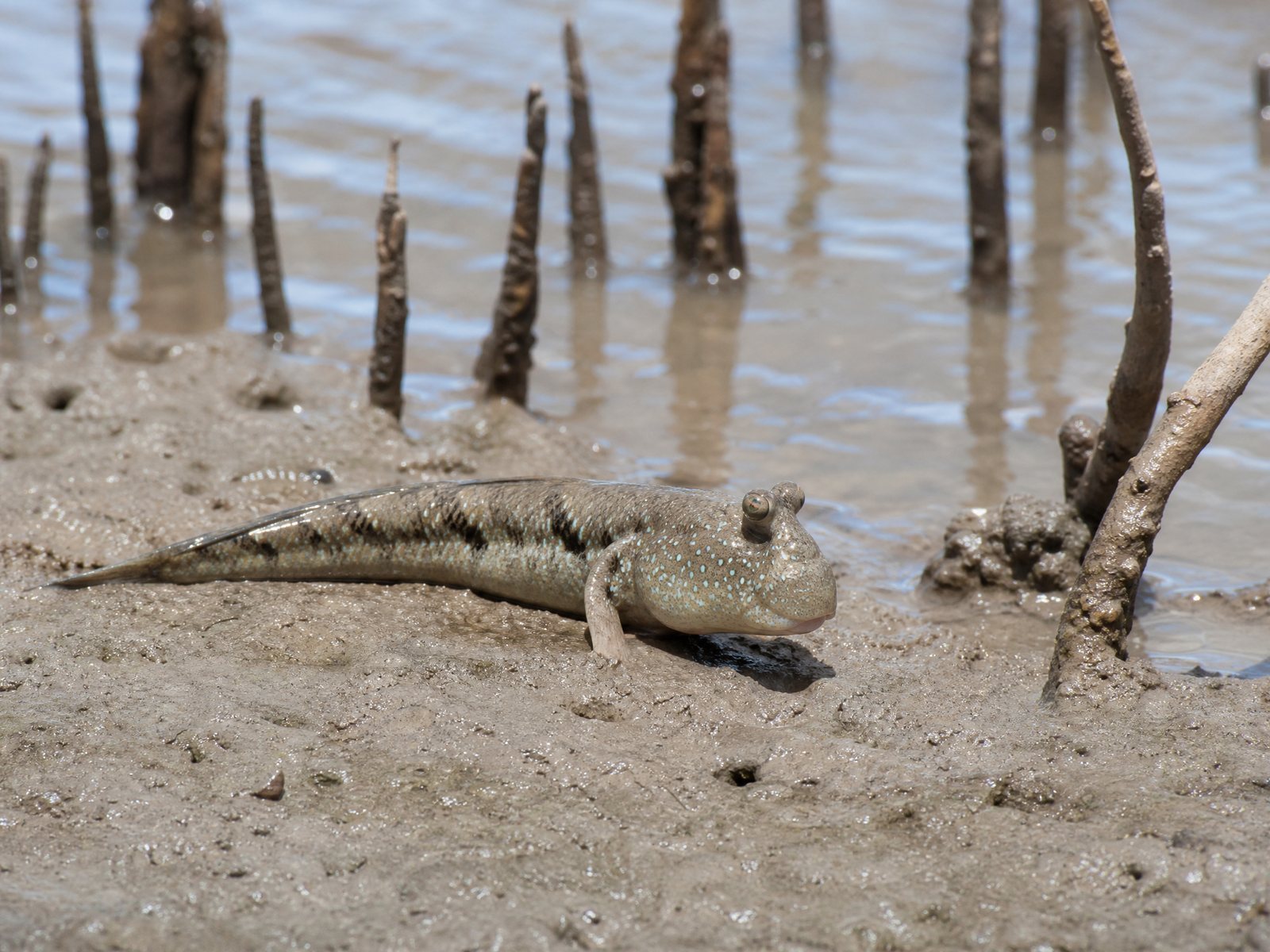
Amphibious intertidal goby observed across muddy mangrove banks.
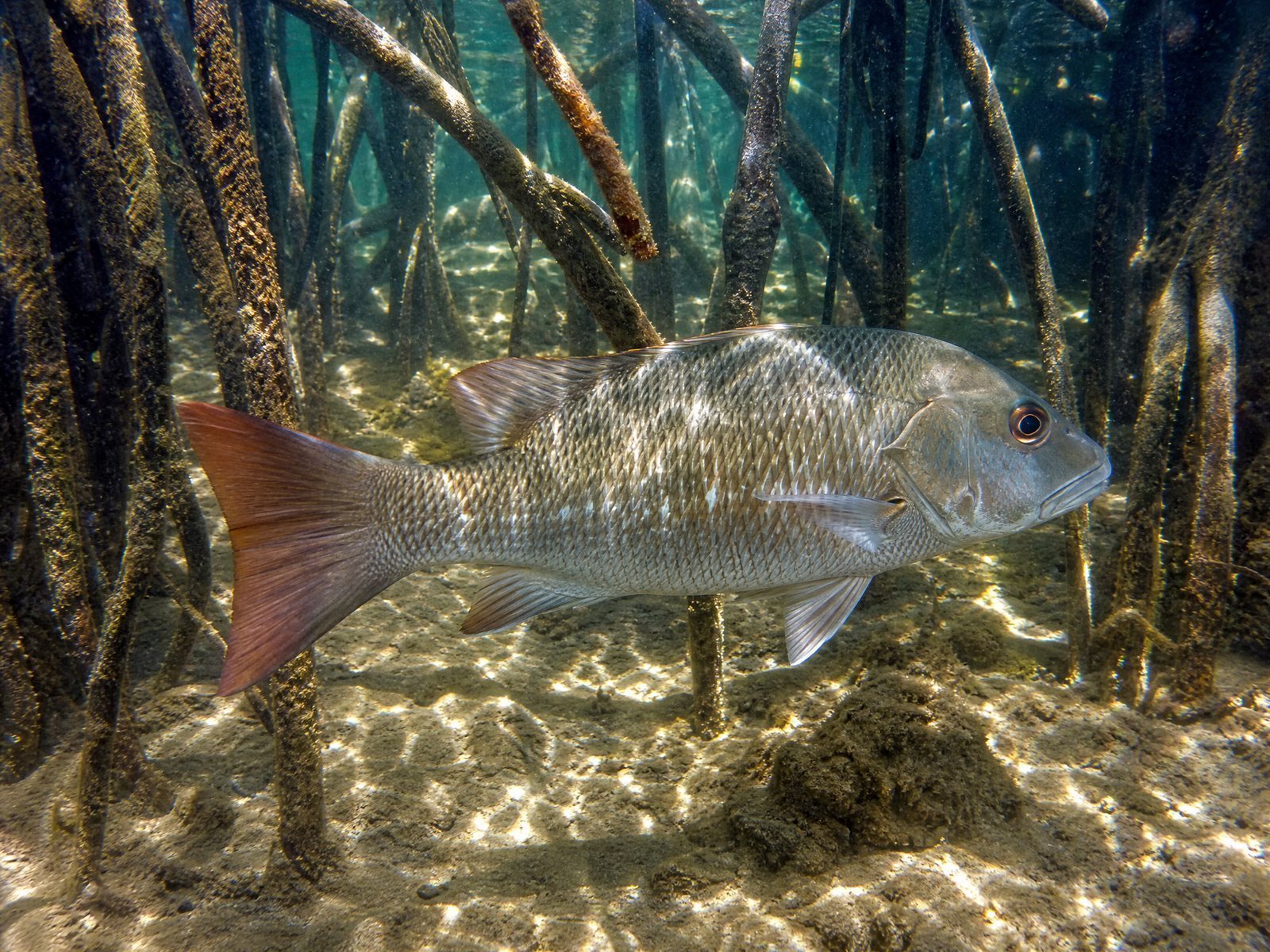
Robust estuarine predator inhabiting submerged root structures.
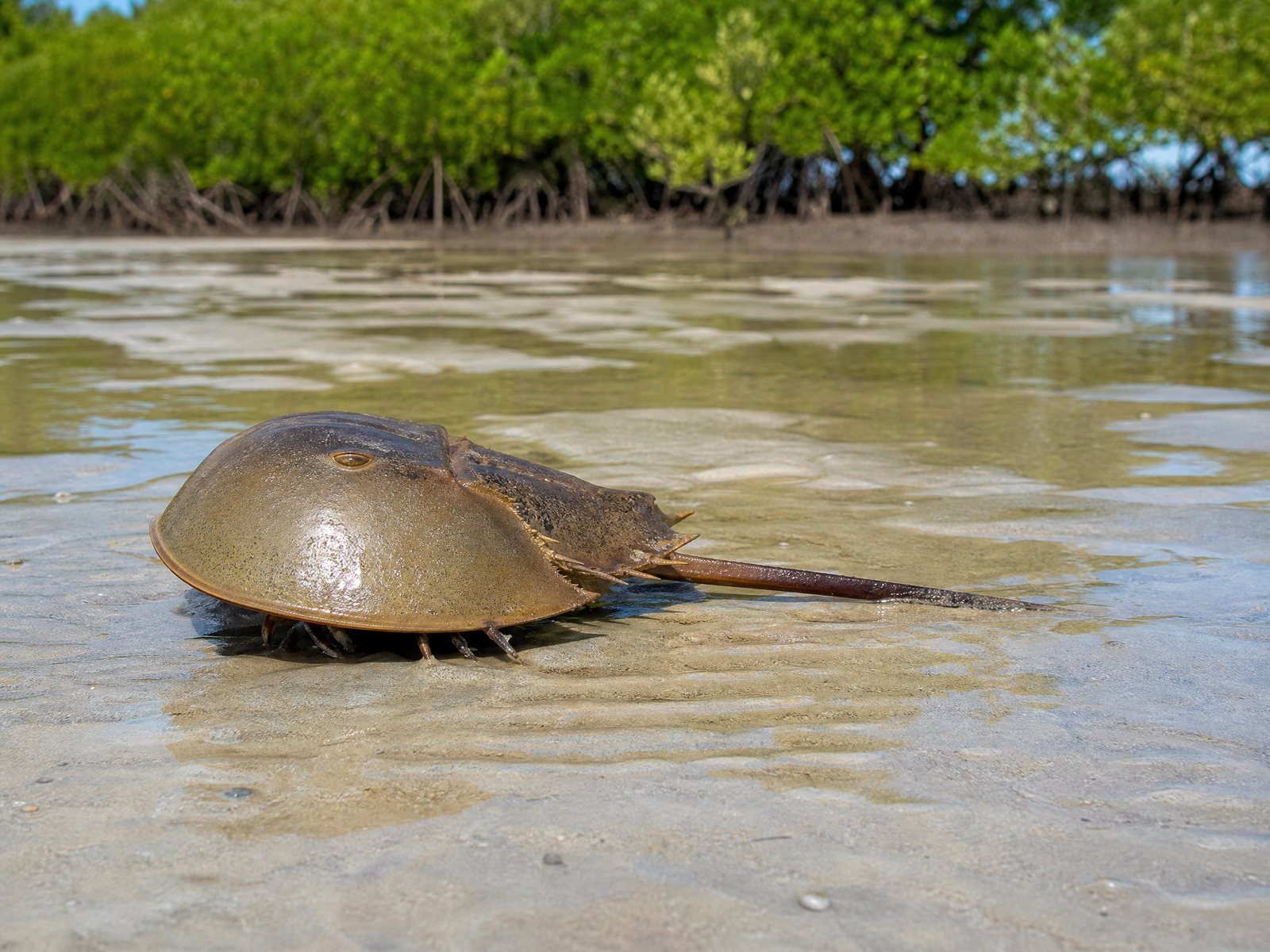
Ancient marine arthropod roaming shallow sandy-mud shallows.
Iconic Northern Territory sportfish navigating tidal saltwater creeks.
Activate physics engine and view mangrove testing arena.
Standard operating procedures for Darwin Harbour estuarine survey modules.
Gurexano Mangrove Lab simulates intertidal sampling across Darwin Harbour. Researchers and students evaluate tidal currents, manage probe energy units, and record native specimen encounters without disturbing sensitive Northern Territory mangrove ecosystems.
← / → or touch controls to reposition the survey pontoon.
Space or tap "DEPLOY" to lower the survey sensor into the tidal column.
Technical parameters of the browser canvas rendering pipeline.
Built upon HTML5 Canvas 2D context synchronized with requestAnimationFrame to ensure smooth 60 FPS rendering across Darwin research terminals and mobile devices.
Zero external runtime frameworks or bloated plugins. All estuarine graphics and telemetry models are procedurally generated for instantaneous browser load times.
Fully optimised for touch gestures and standard desktop keybindings, providing robust utility during field evaluations in remote Northern Territory locations.